
Monroe County VINE and SAVIN Coverage
The county routes its custody lookups through two official doors. The official MCSO jail page sends visitors to VINELink under "Locate an Inmate." The official Monroe County Correctional Center page lists SAVIN beside the county's booking and release functions. Together they make VINE the recognized custody-notification route for Monroe County.
How do the two names fit together? VINE is the public search interface people actually use. Indiana SAVIN is the statewide program behind it. Indiana's own FAQ says SAVIN covers custody status in all 92 counties. Registration is free by internet or phone at any hour.
The systems track custody and custody changes only. They stand apart from the arresting agency's report. They also sit apart from the MCCC intake file, a booking photograph request, and any MyCase court disposition.
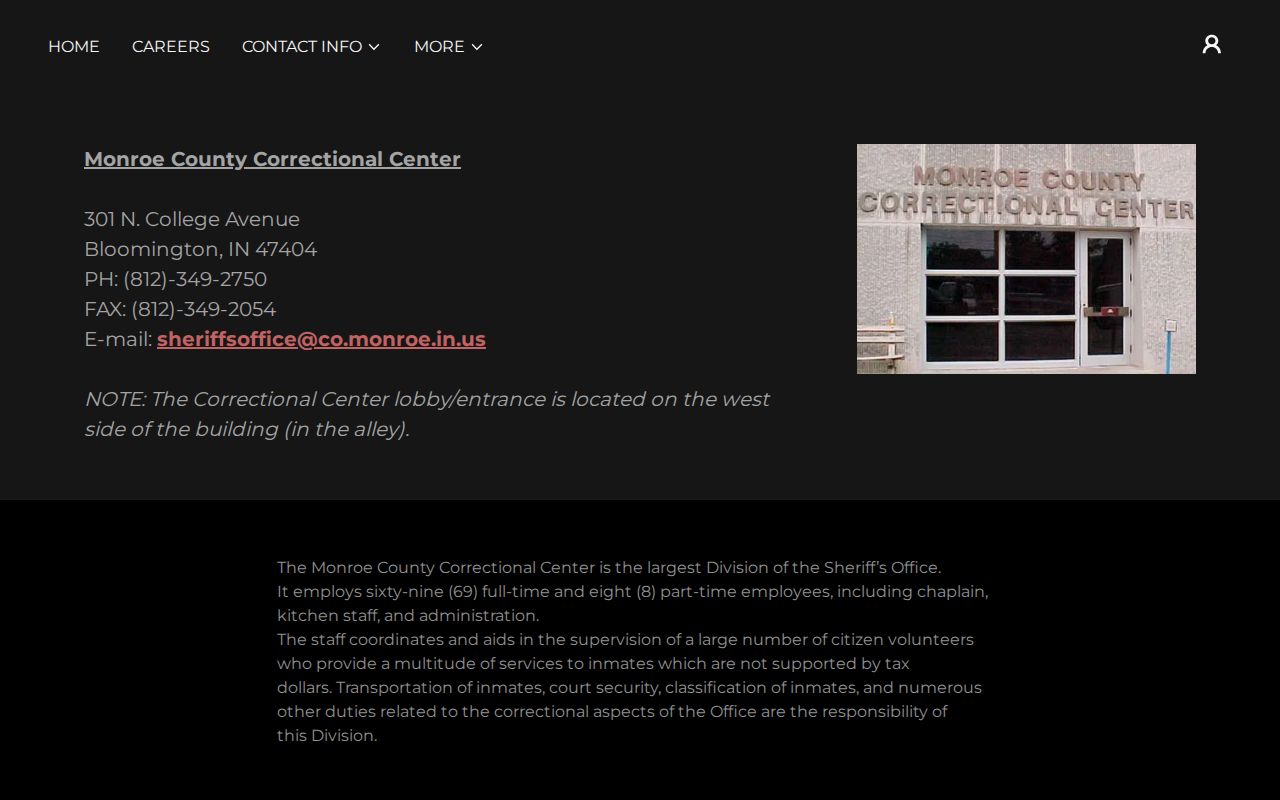
The county's own links point the way. VINE still shows only part of a booking record.
Check a Monroe County Arrest on VINE
Begin at the base VINELink address. Internal routes inside its single-page application can shift without notice. Enter enough identifying detail to separate people with similar names, and check that the record points to Indiana and the expected county or facility before trusting it.
- Open VINELink and select Indiana as the state.
- Choose the person or custody search and enter the identifying fields currently accepted by the interface.
- Review all plausible matches. Compare the displayed facility, custody status, identifier, and last-updated information rather than relying on a name alone.
- Open the matching record and note whether the status is current, released, transferred, or otherwise described by the source.
- If continued safety or custody information matters, use the record's notification option or proceed to Indiana SAVIN registration.
The VINELink search interface is the official starting point, shown set for an Indiana and Monroe County search.

Labels can change, so follow whatever the current screen says. Never enter registration contact details anywhere except the verified VINE or SAVIN service.
A blank result screen has several explanations. The booking may be too new to have reached the system yet. The spelling may not match. The person may have been released or transferred, another agency may hold them, or the record may be protected. No VINE result by itself does not mean no arrest occurred.
What VINE Shows After an Arrest
Fields vary with the live interface and the custodian supplying the data. Read what the current result gives, note its update time, and take a status as custody information rather than a court outcome.
| Result field | Meaning and boundary |
|---|---|
| Name or record identity | Supports matching, but a common name requires more than one clue. |
| Custody status | Reports the system's last status; it is not a conviction. |
| Facility or custodian | Helps distinguish MCCC, another county, or state correctional custody. |
| Record or person identifier | Helps avoid mixing records and may support later official contact. |
| Last-updated information | Shows source time, which may differ from arrest, booking, or release time. |
| Notification option | Allows registration for qualifying future custody events. |
A "released" status describes custody only. It does not erase the arrest or decide any charge. A transfer can push the useful search to another county or to the Indiana Department of Correction. The IDOC offender locator handles state custody, not routine Monroe County bookings.
Register for Indiana Custody Alerts
Indiana calls SAVIN an automated 24/365 program. Register online or through the call center at 1-866-891-0330. Alerts may arrive by phone, email, text, or mailed letter, depending on current options. Use a contact method that belongs to you or that you are authorized to use.
- Confirm the correct person and custody record before selecting “Get Notified” or the equivalent current option.
- Choose the available notification method and provide the requested contact information directly to the official service.
- Create or enter any PIN or confirmation requested by the system. Keep it private because it may be needed to confirm receipt or manage alerts.
- Read the privacy notice and complete the service's verification step. Do not place another person's contact details into the registration without authorization.
- Keep MCCC and emergency contact routes available because an alert is supplemental and may not arrive at the exact instant an event occurs.
The Indiana SAVIN registration screen shows the state-branded login and notification path.
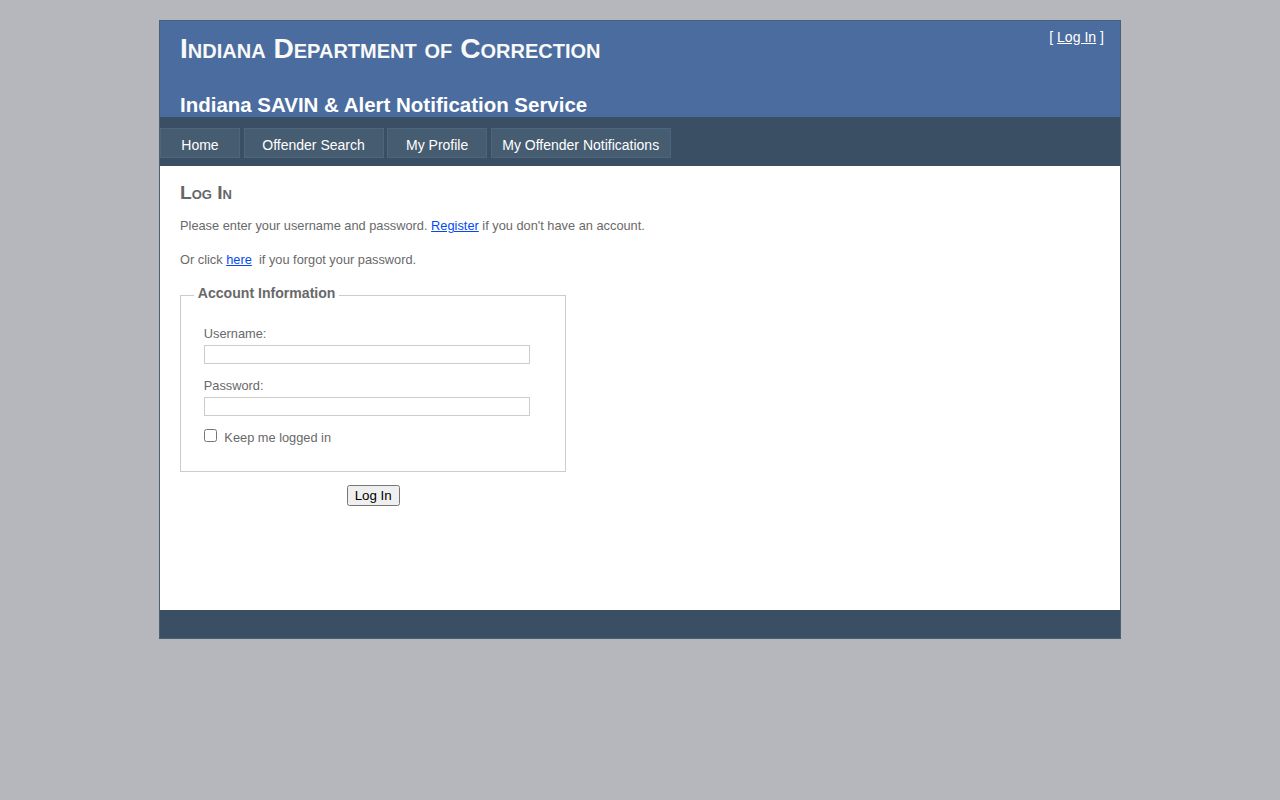
Keep personal data off any page that is not the official state service.
SAVIN Alerts Beyond Release
SAVIN notices cover far more than release. Indiana Department of Correction policy lists transfer, escape, court transport and return, facility movement, temporary release and return, and death. Changes tied to release eligibility or dates are covered too, along with hearing-related events. Which alerts apply depends on the record and the current service.
That range matters when no public jail roster exists. Someone can stay in custody yet move between facilities or leave briefly for court. Registration keeps a notification path alive through those changes. A one-time public search freezes a single moment in time.
Free and anonymous access does not make VINE an identity-proofing database. Treat each alert as a prompt. Confirm with the listed custodian. Legal, travel, or safety decisions may ride on exact timing.
VINE Limits and Official Confirmation
No single Monroe County result reaches every custody system. A fresh booking may show up late. A released person may vanish from the results. Juvenile and protected records can stay unavailable, and a spelling mismatch or a move to another custodian can also return nothing.
Federal custody is separate. Bureau of Prisons inmates need the BOP inmate locator, and ICE detention uses its own detainee locator. Neither is a Monroe County booking feed. A county arrest may never touch either system, just as a county booking may never become an IDOC record.
For a fresh event, confirm through the Monroe County Arrested Today process, the live county dashboard, or MCCC at 812-349-2750. The MCSO About page lists 812-349-2751, so check the current jail page or call the general office if the numbers differ. MCSO Records, at 812-349-2780, can point you to the right record route.
Need to know who was arrested in Monroe County and which office holds the file? The Monroe County recent-arrests hub maps that out. Booking details sit with one agency, arrest reports with another, court files with a third. Timing matters. Preserve the timestamp on any record you pull, and confirm a custody status directly with the responsible office before acting on it.
VINE was never built to hand out documents. For a formal booking or release record, call MCSO Records or the correctional center. MCCC handles admissions, releases, transports, and classification. The arresting department keeps its own incident report. Once a case is filed and public, MyCase shows the charges and how they move through court. Notifications can also fail for reasons that have nothing to do with the arrest itself. A changed phone number, blocked call, full mailbox, email filter, or unconfirmed registration can break delivery. Check your registration status often. Keep contact preferences current. SAVIN runs around the clock, yet no upstream agency update or message is guaranteed to land instantly.
Call 911 in an emergency. VINELink is not an emergency service. The sheriff's app carries the same warning about its own use. For routine custody checks, use the jail information route. For a safety plan tied to a case, lean on the official victim-notification and court channels rather than a private booking page.
Treat what VINE tells you as private. Do not republish a person's custody details, registration identifiers, or alert contact data. Indiana's FAQ says the service can be used anonymously. Even so, guard the delivery information you enter. Conflicting results happen. Transfers and court hearings can leave two systems describing different stages for a short stretch. When an alert clashes with a public result, note both timestamps, confirm the identity and facility, then call the responsible custodian. Attribute the newest agency answer with its time. Keep your confirmation number secure, and manage or cancel alerts only through the official service, since a private search page cannot enroll anyone in Indiana SAVIN.